
Secure Access, Managed Devices
How to Extend Google Workspace to Devices and Applications.
On an employee’s last day of work, their Google account is quickly deactivated. But what about the remaining accounts and devices? Together with JumpCloud, we’ll show you how to extend Google Workspace and centrally manage access throughout the entire employee lifecycle—from the first day to the last.
Using real-world examples, you’ll learn how to efficiently manage onboarding and offboarding, control access rights in a targeted manner, and centrally monitor and manage various devices.
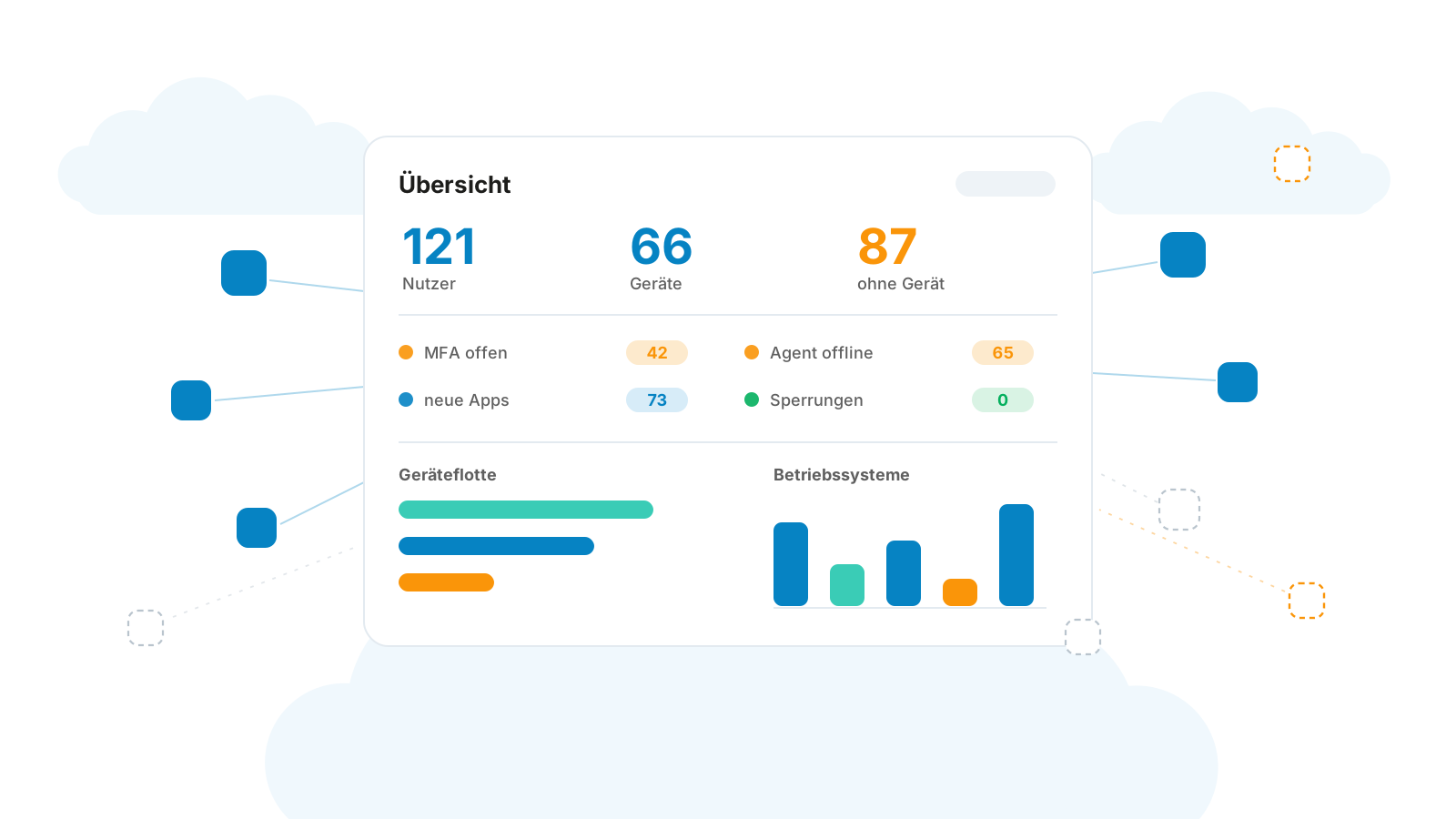


Three Challenges of Hybrid IT Environments
Orphaned Entries
During the offboarding process, access to SaaS applications and devices is often revoked with a delay. As a result, former employees may retain access to company data. This poses a risk to data protection and compliance.
Unmanaged Devices
Employees often access company data using personal or unmanaged devices. Without centralized device management, the IT department lacks the necessary overview to identify security risks early on.
Effort Involved in License Management
Manually setting up and managing user accounts ties up valuable IT resources. At the same time, licenses for employees who have left the company often remain active without anyone noticing, resulting in unnecessary costs.


Merging Identity and Device
Google Workspace provides a secure foundation for collaboration and identity management. Today, many companies also use Mac, Windows, and Linux devices, as well as other SaaS applications.
This is exactly where Google Workspace can be expanded: through centralized device management—including for Macs—and through access rules that take the device’s security status into account.
In this webinar, we’ll show you how to seamlessly integrate identity and device security and create a transparent overview for audits.

You'll learn that in the webinar
Seamless Lifecycle Automation
Learn how to centrally manage onboarding, role changes, and offboarding, and automatically adjust or revoke permissions.
Zero Trust from the User to the Endpoint
Learn how to dynamically link access to Google Workspace to the security and encryption status of devices.
Compliance and Transparent Oversight
Learn how to centrally manage users, permissions, devices, and licenses.
Your Speakers



Who is this webinar best suited for?
Your Stack: You use Google Workspace as your central cloud platform for communication and data.
Your Reality: Your employees work in a hybrid model (remotely and in the office) and use a variety of devices, such as Macs, Windows PCs, and mobile devices.
Your Goal: You want to automate onboarding, offboarding, and device security while keeping administrative overhead to a minimum.
Your role: IT managers, executive leadership, and anyone responsible for offboarding within the company.
Register for the webinar now
Immediately after registering, you will receive a confirmation email with the link to join our webinar.