Webinar Recap: Google Workspace and JumpCloud Working Together

Many companies use Google Workspace for email, calendars, documents, and video conferencing. For companies that primarily use cloud applications, this browser-based approach works well.
As soon as local infrastructure and network access points are added, management becomes more complex. Device management reaches its limits, and manual steps are required when devices are added or removed—steps during which errors can occur.
In our joint webinar with JumpCloud, we demonstrated how a complementary cloud directory platform can bridge these gaps. The recording is embedded in this post.
How do Google Workspace and JumpCloud work together?
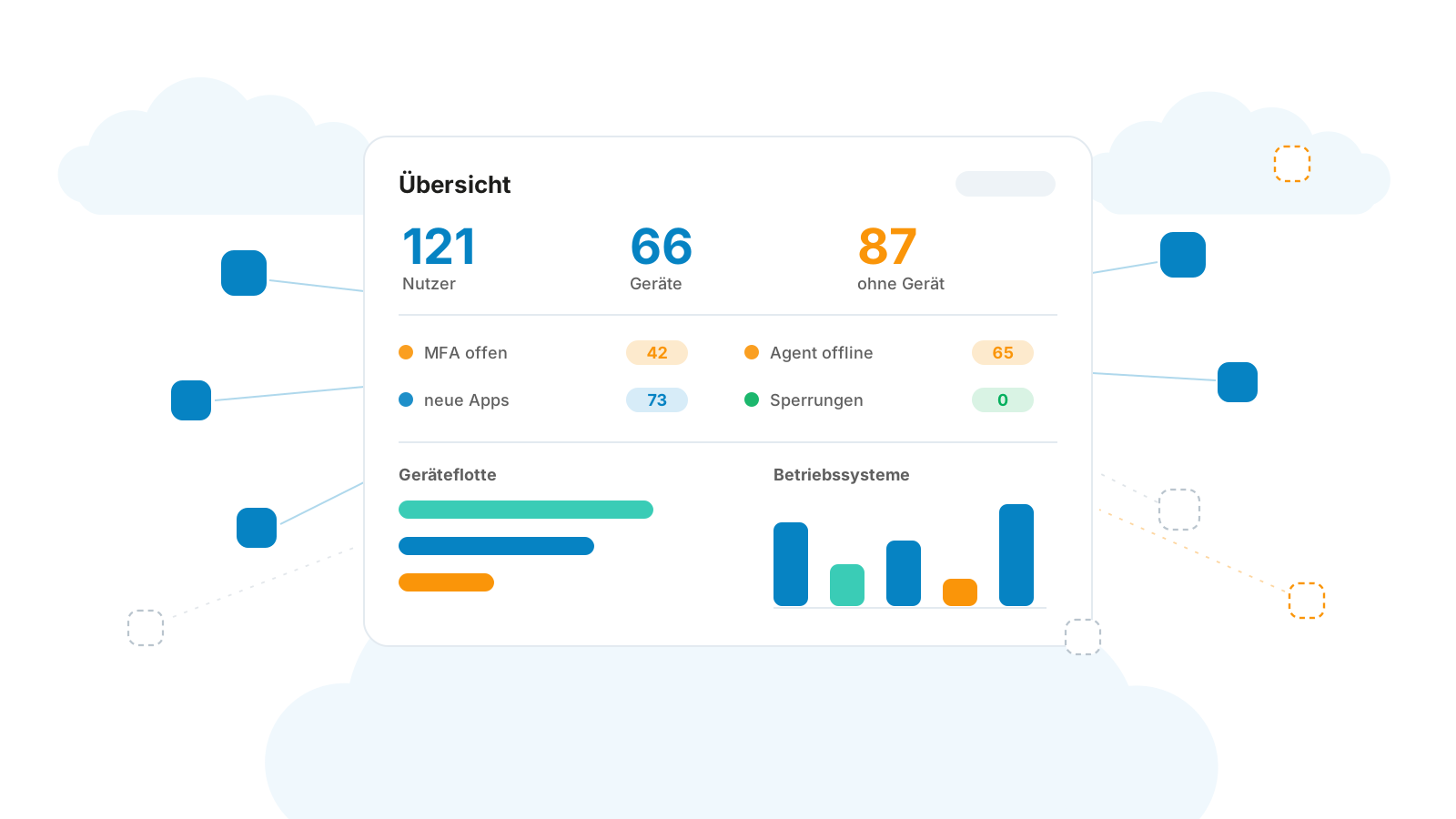
JumpCloud extends Google Workspace with centralized management for identities, single sign-on, devices, network access, and hardware assets. The platform runs entirely in the cloud, can be integrated with HR systems such as Personio, and synchronizes bidirectionally with Google Workspace.
Three Areas of Application
Automate Enrollments and Withdrawals
Anyone who handles onboarding and offboarding manually has to keep track of many individual steps. How can these processes be simplified? When creating a user in the console, you can specify when the account will be activated and the welcome message sent. Dynamic groups and app assignments take effect automatically. Hardware can also be assigned: Laptops, keyboards, and headsets are tracked as assets by location. If a device or accessory is lost, this can be noted accordingly.
When a user leaves, deactivation can be scheduled for a specific date. In our joint webinar with Jumpcloud, this was January 1. Automated workflows can suspend accounts, lock devices, and notify the IT team. They can be triggered at a specified time or by a specific event.
Consolidate functions into a central console
We often see organizations using separate solutions for asset management, password management, and remote support. In some cases, these structures have evolved over the years. They can lead to higher costs and make administration more difficult. JumpCloud combines these functions with device management in a single console. The platform supports Windows, macOS, Linux, iOS, and Android, and can enforce security policies such as BitLocker encryption.
In addition, there are operating system patching, remote assistance, custom commands, and software management. Policies can be created using templates or with AI support. Licensing costs also play a role, as features such as dynamic groups can be used without requiring a more expensive Google Workspace Enterprise plan.
Manage Network Access and Track Access
When personnel changes occur, network access permissions must also be updated. Companies must comply with requirements related to ISO 27001, SOC 2, or NIS 2 document who has access to which systems and which devices are in use.
RADIUS allows you to centrally verify logins to the company Wi-Fi or VPN. For example, when an employee logs in to the Wi-Fi using their company account, the RADIUS service checks whether they are authorized to access the network. This allows you to manage network access on a per-person basis and supplement it with additional verification via multi-factor authentication.
Conditional access defines the conditions under which a user is permitted to access an application. For example, a rule might require that a user log in from a device managed by the company. Depending on the rule, access may be granted, additional confirmation may be required, or access may be denied. These policies can first be tested in test mode.
Audit logs track access and changes. Configurable security groups and notification channels support monitoring. Automated workflows can also periodically check whether multi-factor authentication and BitLocker are enabled. The platform thus supports the implementation of a compliance strategy. However, the company must still determine for itself which requirements apply and what measures are necessary to meet them.
The live demo in the video
Conclusion
JumpCloud lets you expand Google Workspace in a targeted way. Onboarding and offboarding are simpler. You can manage devices and access centrally. This reduces the day-to-day workload on IT and, above all, provides greater clarity and security. Our Security Audit.